Category: Gadgets & Reviews

  • LITHON Home Roaster: The Ultimate Machine for Easy Coffee Bean Roasting at Home

    LITHON Home Roaster: The Ultimate Machine for Easy Coffee Bean Roasting at Home

    LITHON Home Roaster RT-01

    Roasting your own coffee at home may seem like a high hurdle, but there are actually machines out there that let you do it easily for around 20,000 yen.

    The one I want to introduce here is the LITHON Home Roaster RT-01.

    It is one of the best-known home roasters for getting serious coffee roasting done with minimal effort.

    I had the chance to buy one and have been using it for a while, so here are my impressions.

    The good

    Green beans are cheap
    You get to drink freshly roasted coffee

    You can roast small batches, so you never struggle to use it up

    Buying coffee as green beans costs about a quarter of what roasted beans cost.
    Also, while roasted beans are said to stay good for one to two months, green beans keep for about two years.

    In other words, once you find a bean you like, buying it green lets you drink it cheaply and at its most delicious, right after roasting.

    Coffee beans are said to taste best about three days to two weeks after roasting.
    At a coffee shop, beans are usually sold in 100 g units and at least a day or two has already passed since roasting (much longer at chain stores), so if you want to drink the coffee at its best, you have to get through that 100 g pretty quickly.

    100 g is roughly ten cups, which is quite a lot for one person even drinking every day.

    This roaster handles 40–60 g of beans at a time, so you can drink coffee in its best condition while only roasting as much as you can comfortably finish.

    Roasting is quite a chore to do by hand, but here you can just leave it running, which is why I personally like it a lot.

    The bad

    It’s fairly noisy
    The roasting smell is strong
    You can’t fine-tune the roast level

    The first thing that surprises you is how loud it is while running.
    Loud enough that watching YouTube next to it while it works would be a bit rough.

    The noise doesn’t really carry through walls, so it’s not unusable in an apartment, but it is loud enough that it’ll surprise you at first.

    As for the roasting smell, I imagine this is true of any machine, but roasting really does fill the room with a coffee-shop aroma.

    It’s strong enough that you should ventilate while roasting, and even then the smell lingers for a day.
    Since it’s the smell of coffee, it’s not at all unpleasant for coffee lovers and works almost like an air freshener, but you might want to avoid roasting on days when guests are coming over.

    On not being able to fine-tune the roast level:

    There are two modes, Medium and Dark.
    Medium comes out around a medium roast, and Dark around a dark roast.
    (In the photos, Medium is on top and Dark on the bottom.)

    To be more precise, Medium is about a medium roast, and Dark is around a city or French roast.

    The medium-dark roast level that probably suits the most people isn’t achievable on this machine, so if that’s the coffee you want, you may need to get creative.

    Overall

    Roasting your own coffee beans is something most coffee lovers want to try at least once.

    Downsides aside, I’ve been enjoying mine quite a bit.

    The fun of choosing green beans, being able to watch the roast unfold up close — it really broadens what you can enjoy about coffee.

    I wouldn’t recommend it to everyone, but for anyone who wants to start roasting coffee or is simply curious, it’s an easy and relatively affordable way in, so I’d recommend it to them.
  • What Is the Basic Kindle Actually Like?

    What Is the Basic Kindle Actually Like?

    I’d been wanting to read at night, and with Amazon Black Friday going on, I decided to buy a Kindle.

    The thing is, there are about four different Kindle variants to choose from.

    I used to have a Kindle Paperwhite from several years back, and the screen was so easy on the eyes even after long stretches that I was leaning toward that one again. But I saw good reviews of the basic Kindle too, and since I was just going to use it hard and only read at night, I figured the cheaper one would do — so I went with the plain Kindle.

    For Black Friday it was marked down from about 9,000 yen to about 5,000 yen.
    On top of that, buying a Kindle device gets you three months of Kindle Unlimited (normally 980 yen/month) for free, so effectively I picked up the device for around 2,000 yen.
    What a deal!!!!

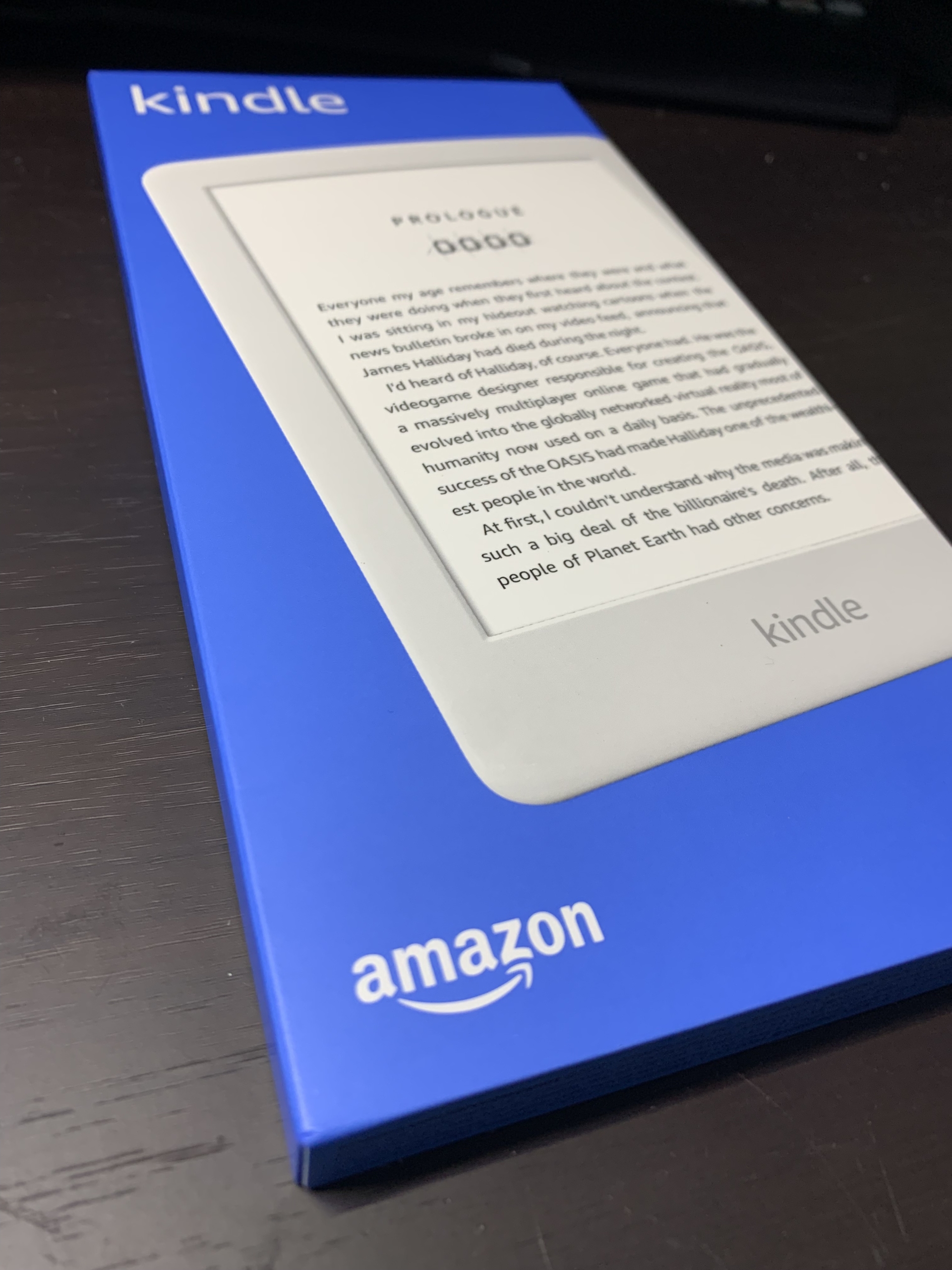
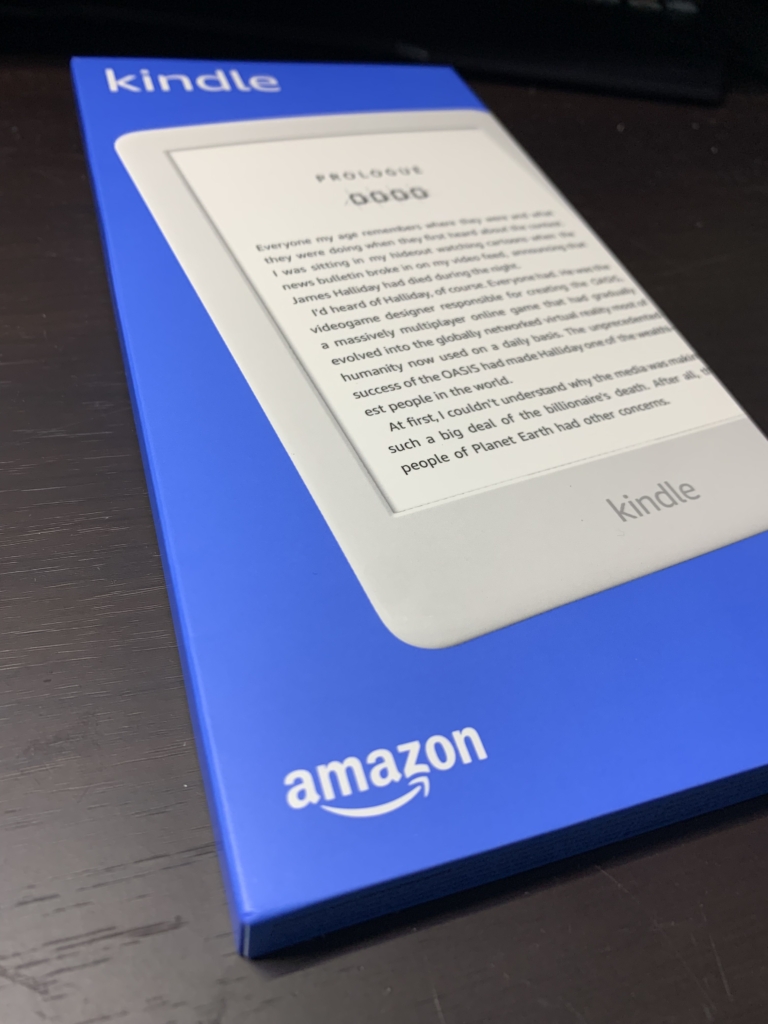
    Here’s the actual Kindle.

    The first thing I thought when the box arrived was how incredibly thin it is.

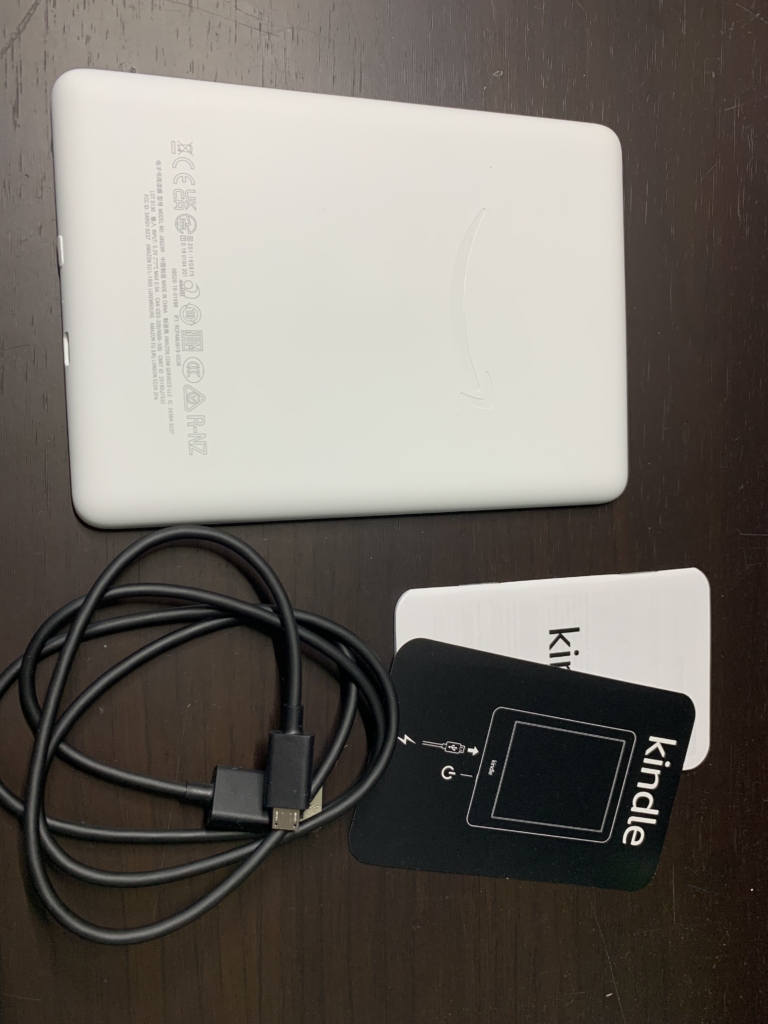
    The contents are simple: a charging cable, the device itself, and a manual.
    The cable is micro-USB, which is a bit inconvenient now that USB-C is everywhere, but since you only need to charge about once a week, it’s really not a drawback.

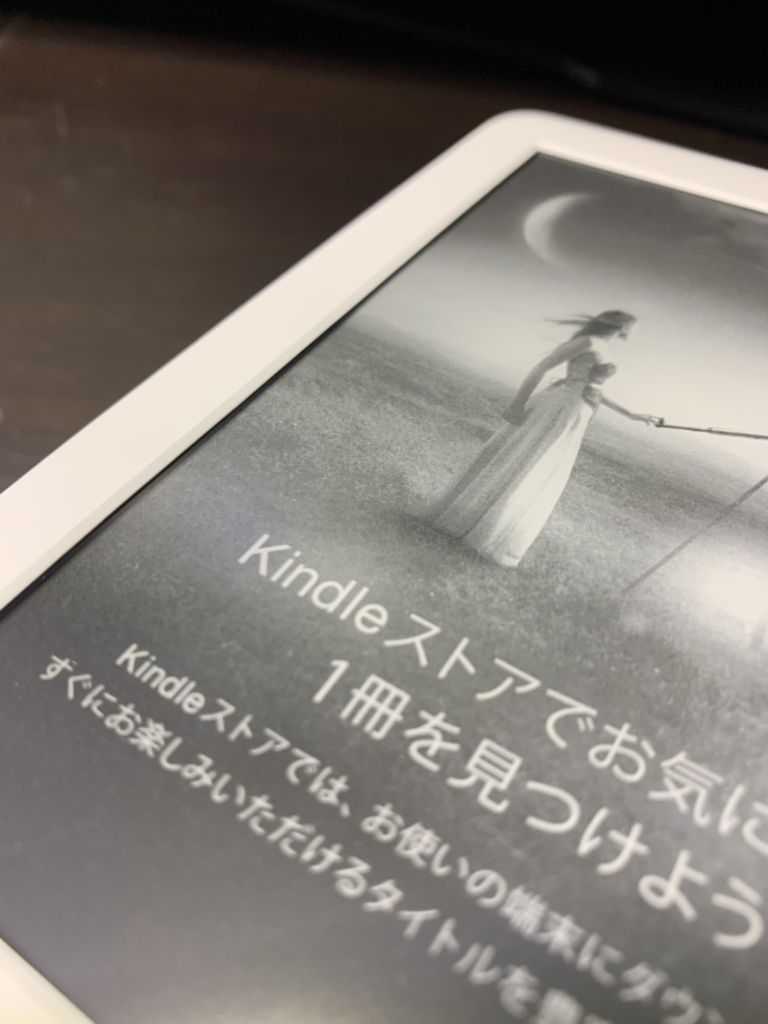
    Unlike the Kindle Paperwhite, the screen uses a front light and is lower resolution on paper, but that’s only something you notice in a side-by-side comparison — for actually reading books, the image quality is more than sufficient.

    Reflections are also well controlled, and reading at night doesn’t tire my eyes at all. My first impression was that it was better than I expected.

    The thing I hated most about the old Kindle Paperwhite was how sluggish it was — searching for books or turning pages was genuinely stressful. This Kindle is noticeably faster, roughly like using a slightly older smartphone.

    Given the price difference, whether the other models are worth paying more than twice as much for probably depends on the person, but the basic Kindle offers excellent value and works fine as an everyday device.

    And because it was cheap, I can use it as hard as I like — I feel like I made a really good purchase.

    You should all kattemitekudasai.

  • Should You Game on a PC or a PS5?

    Should You Game on a PC or a PS5?

    When you want to play APEX, Call of Duty, or other popular game titles, you’ll probably wonder whether to play on a PC or buy a PlayStation 5. As someone who owns both, I’d like to walk through the advantages of each and who each one suits best.

    About gaming PCs

    Who it suits
    ・People who want to do things besides gaming
    ・People planning to stream games
    ・People who can spend a fair amount of money

    The biggest advantage of a gaming PC is that you can customize it to your own taste.
    You can pick out the parts and build it yourself, or you can buy a pre-built machine from a shop like Dospara.

    The more you spend, the higher-performance a PC you can build.
    If you want to play games in 4K, expect to pay at least around 200,000 yen once you have everything.
    That works out to roughly 150,000 yen for the PC itself, plus about 50,000 yen for peripherals like a monitor and mouse.

    It does cost money, but you can add lighting, fuss over your peripherals, and really express your own style.
    Choosing a PC also requires a certain amount of knowledge, so you end up learning a lot about computers along the way.

    Having built my own PC, I’ve found the knowledge I gained useful in all sorts of situations—I can give a quick diagnosis when a friend’s PC is acting up, and I can handle maintenance on my own machine.

    Since it’s a computer at its core, you can also do things other than gaming.
    In particular, programming often calls for a machine with decent specs, and a gaming PC easily clears that bar.

    Some people may worry about the games themselves, but you can generally buy games on a site called Steam.
    Most of the well-known titles sold on the PlayStation Store are also available on Steam, so there’s not much to worry about.
    If anything, you can also play PC-exclusive games, which greatly widens your options.

    Next, about the PS5 (home game console)

    Recommended for
    ・People who aren’t comfortable with computers or electronics
    ・People who just want to play games
    ・People who don’t want to spend much
    ・People who want to play with friends

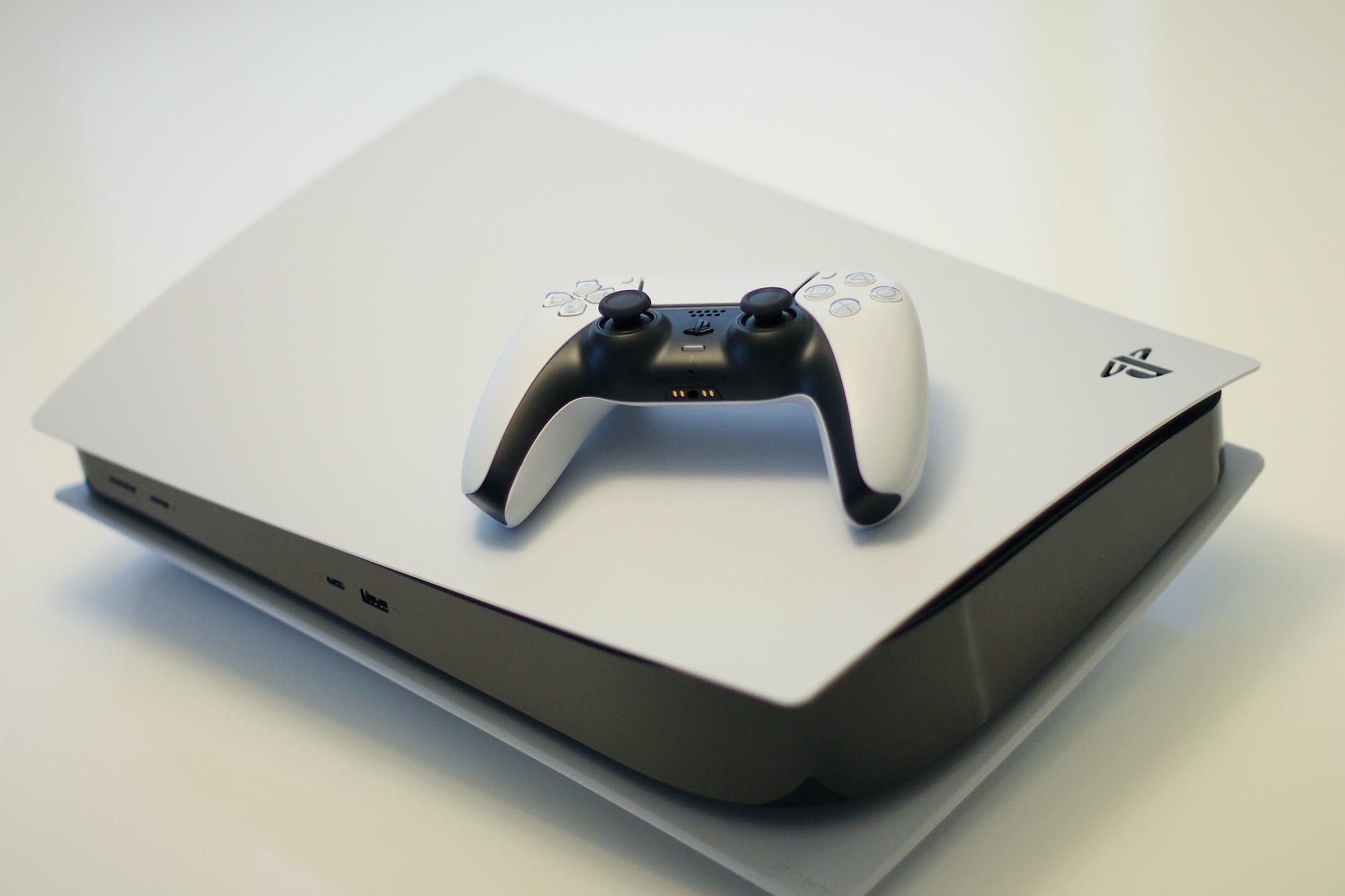
    Here I’ll use the PS5 as an example.
    PlayStation has a friends feature that makes it very easy to play games while using voice chat.
    Because it’s a dedicated gaming machine, these gaming features are extremely easy to use.

    If you buy physical copies of games, you can sell them at a used-goods shop like Book Off once you stop playing, which saves money overall.

    The console is also smaller than a PC, and a single unit uses less power than a PC. (PCs draw about as much power as a hair dryer at this point.)

    It doesn’t get mentioned much, but the thing I personally liked best was how the controller feels to use.

    You can use a PS5 controller on a PC, but problems come up easily—you have to remap buttons, and connecting wirelessly introduces lag, so I ended up using a wired connection. On the PS5, I barely noticed any lag even over a wireless connection.
    You might say that’s only to be expected, though.

    Precisely because it’s a dedicated gaming machine, it’s inexpensive, yet its gaming performance is on par with a 300,000-yen PC—I have no idea how they pull it off.
    The PS5 is built to an unbelievably high spec.

    This was only a partial look at the two, but I hope it helps you decide which is right for you.
    Personally, I think deciding based on your purpose—whether you just want to play games or want to do other things too—leads to the decision you’ll be happiest with.

  • I bought an electric air duster. It’s seriously amazing.

    Canned air comes in handy in all sorts of situations—working on a computer, tinkering with junk parts, poking at electronic circuits.
    But a single can is surprisingly expensive, and it runs out fast.
    On top of that, disposing of the cans is a hassle.

    So for all its versatility, canned air has plenty of downsides.
    My can had just run out, and while I was shopping online for a replacement, I came across an electric air duster.

    Even so, I was skeptical about whether an electric duster could match the power of canned air and actually be practical.
    The reviews were fairly good, though, with many people commenting that it was stronger than they expected.

    At around 7,000 yen apiece, I figured I might as well give one a try.

    This is the Sanwa Supply electric air duster.

    The first thing that surprised me when I used it was just how strong the air pressure is—more than enough.
    It can easily blow a sheet of paper away, so it’s more than powerful enough for clearing dust off a computer.

    The battery lasts well, too, and unlike canned air, the can doesn’t gradually get cold and lose pressure when you keep spraying.

    The unit charges via USB Type-C, and a cable is included.
    These days a Type-C cable is surprisingly useful to have around, so that’s a nice bonus.

    One drawback is that the response is a little sluggish.
    After you press the switch, it ramps up over about a second, and it takes one or two seconds to reach full power.
    It’s a bit of a “hmm, hmmm…” moment.

    I’ve posted a video so you can see the power and the response for yourself.

    https://youtu.be/Nu6S6vfROhg

    Personally, the slow response doesn’t bother me at all, and I’ve never run into a situation where it mattered—so this was a purchase I’m glad I made.

    Now I’m done dealing with empty cans, and I no longer have to worry about the cost of canned air.
    I’d definitely recommend picking one up.

  • SONY or Panasonic for a Vlog Camera? A Thorough Comparison

    SONY or Panasonic for a Vlog Camera? A Thorough Comparison

    The word “Vlog” has become widely known, and it’s only going to spread further.
    Riding that wave, I decided I wanted to try making Vlogs myself, so I made up my mind to buy a new camera.

    One camera currently on the market that is built specifically for Vlogging is
    Sony VLOGCAM ZV-1

    Panasonic DC-G100

    .
    Unlike a handycam, it’s relatively compact and can be shot one-handed, and it makes it easy to capture advanced-looking footage, such as beautifully blurred backgrounds.

    The two cameras above are in almost the same price range, and both have everything you need for Vlogging.
    That’s exactly what makes it so hard to decide which one to buy.
    So let me compare them and list the good points and the not-so-great points.

    Sony VLOGCAM ZV-1

    The good points

    ・A variety of video modes (you can instantly switch between product reviews, scenery, faces, etc.)
    ・Light (about 294 g)
    ・Two color options (the white one is cute…)
    ・Plenty of control buttons on the tripod grip
    ・Comes with a fluffy windscreen for the mic
    ・Wide zoom range
    ・Connects to the tripod without a cable, and the tripod buttons work
    ・Simple to operate

    The not-so-great points

    ・Still photography isn’t really the focus, so I wouldn’t expect much there
    ・No viewfinder
    ・Apparently it can overheat and shut down

    Panasonic DC-G100

    The good points

    ・It’s a mirrorless camera, so you can swap lenses
    ・Strong still photography features too (also recommended for people just getting into photography)
    ・The microphone is amazing!
    ・Beautiful screen!
    ・The edge of the screen turns red while recording video, so it’s easy to tell when you’re rolling
    ・It has a viewfinder

    The not-so-great points

    ・Heavier than the Sony
    ・The kit lens barely zooms at all
    ・There’s a cable running between the tripod and the camera

    What defines the Sony VLOGCAM ZV-1:
    It’s easy to operate, so anyone can start Vlogging!
    A camera built specifically for Vlogging!

    What defines the Panasonic DC-G100:
    An outstanding microphone for serious video shooting
    More than enough still photography features

    What both cameras have in common is that they cover everything you need for Vlogging: image stabilization, eye autofocus, smartphone connectivity, 4K recording, and more.
    Both were designed with Vloggers in mind, so I don’t think you’d regret either choice.
    It really comes down to what extra features you’re after.

    If you’ve decided you’re going all-in on Vlogging, or if your Vlogs will center on people, the SONY VLOGCAM is a really strong pick.

    If you want to shoot stills as well as video, the Panasonic G100 is probably the way to go.

    That said, I normally shoot photos with a DSLR, and it’s a Canon, so the lenses aren’t compatible.
    Which means that with the Panasonic, I’d have to buy new lenses whenever I wanted a different focal length…

    How much use would I actually get out of the Panasonic’s photo features?
    That feels like it’ll be the deciding factor.
    Depending on how it goes, I might even switch from Canon to Panasonic… haha

    After that, all that’s left is to go to the store, see and handle them in person, and trust my gut!

    I hope this helps someone out there.

    Links
    Sony VLOGCAM ZV-1
    Panasonic DC-G100